Anything →
Markdown.
A URL or file in, clean Markdown out: web pages without navigation and cookie banners, PDF and Office documents, images, audio and YouTube transcripts — for LLM contexts, notes and archives. Open source (AGPL), runs via Docker on your own machine.
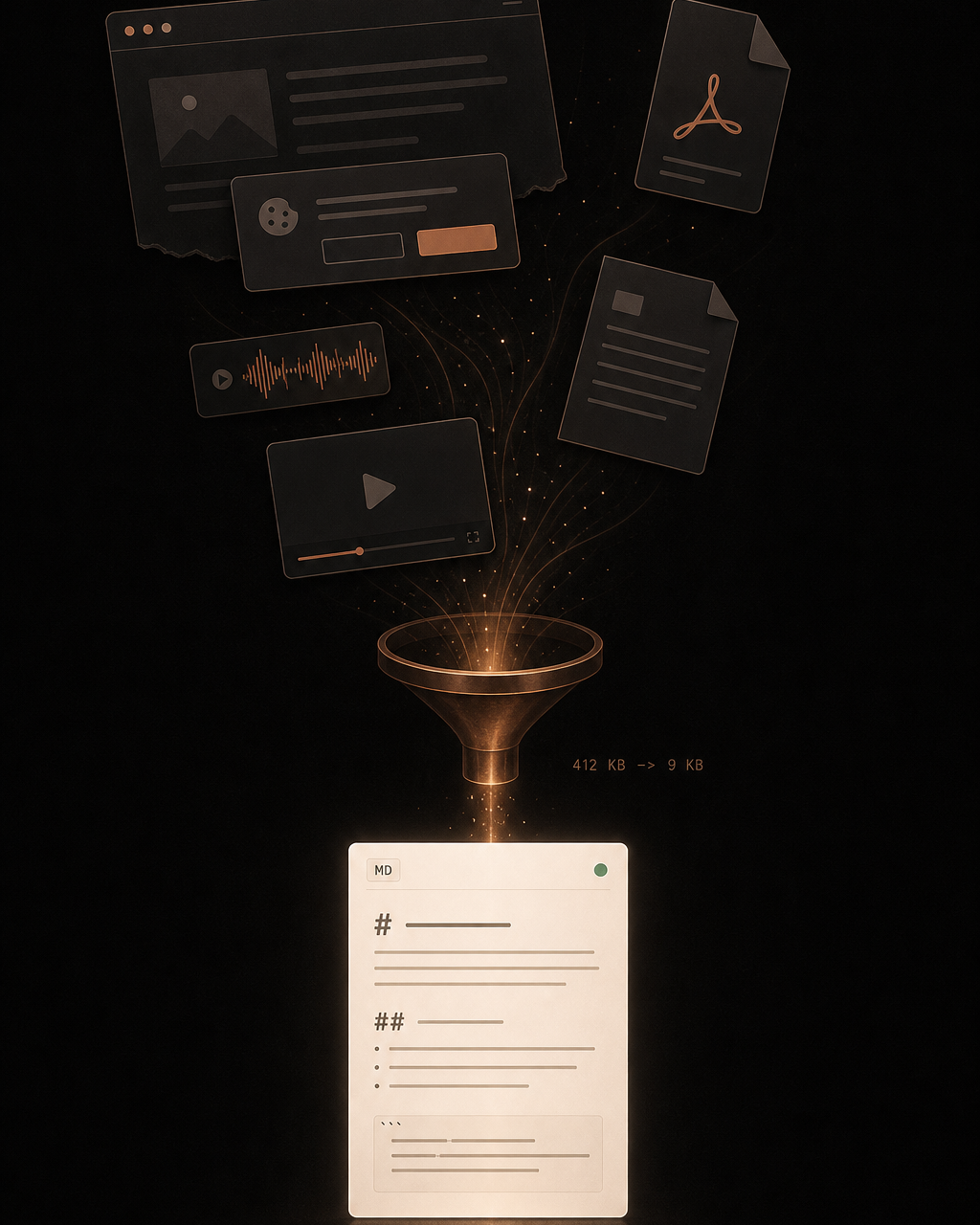
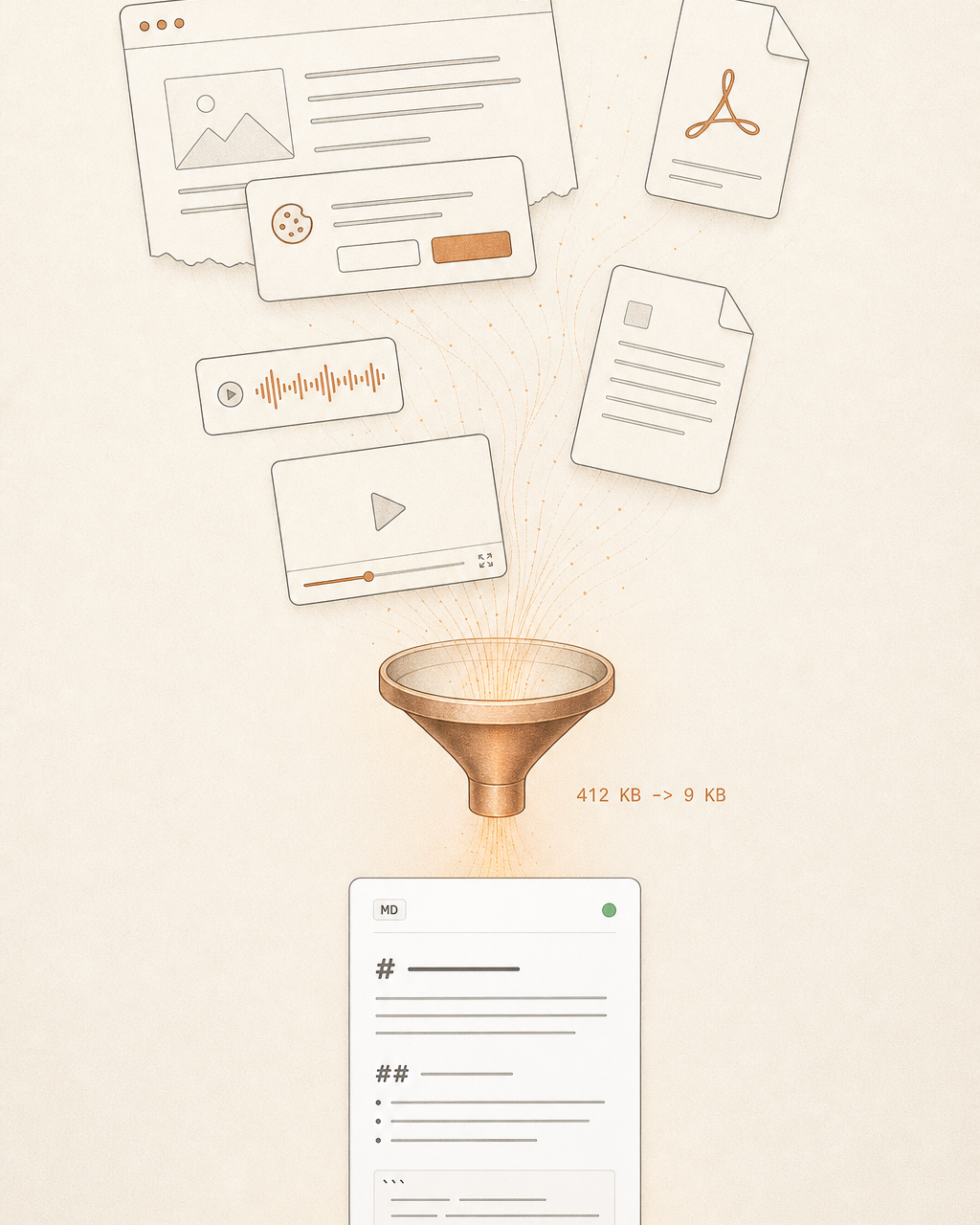
Raw HTML is expensive context
Hand a web page to a language model and you ship the navigation bars, tracking scripts and cookie banners along with it, and pay for them in tokens. An agent needs the text, not the scaffolding around it.
On top of that, many pages only reveal their content once a real browser executes them. Simple extractors see an empty shell there. And content long stopped arriving only as web pages: it comes as PDFs, Office documents, images, audio or video.
Cloud converters solve that, but answer the wrong question: send your documents through someone else's service and they leave your hands. The data question doesn't disappear by outsourcing it.
What it does
PullMD takes a URL or a file and gives back clean markdown. No navigation, no ads, no cookie banner — just the content that was actually on the page. Since version 3 it handles more than web pages: documents, images, audio and YouTube.
PullMD runs self-hosted, on your own machine.
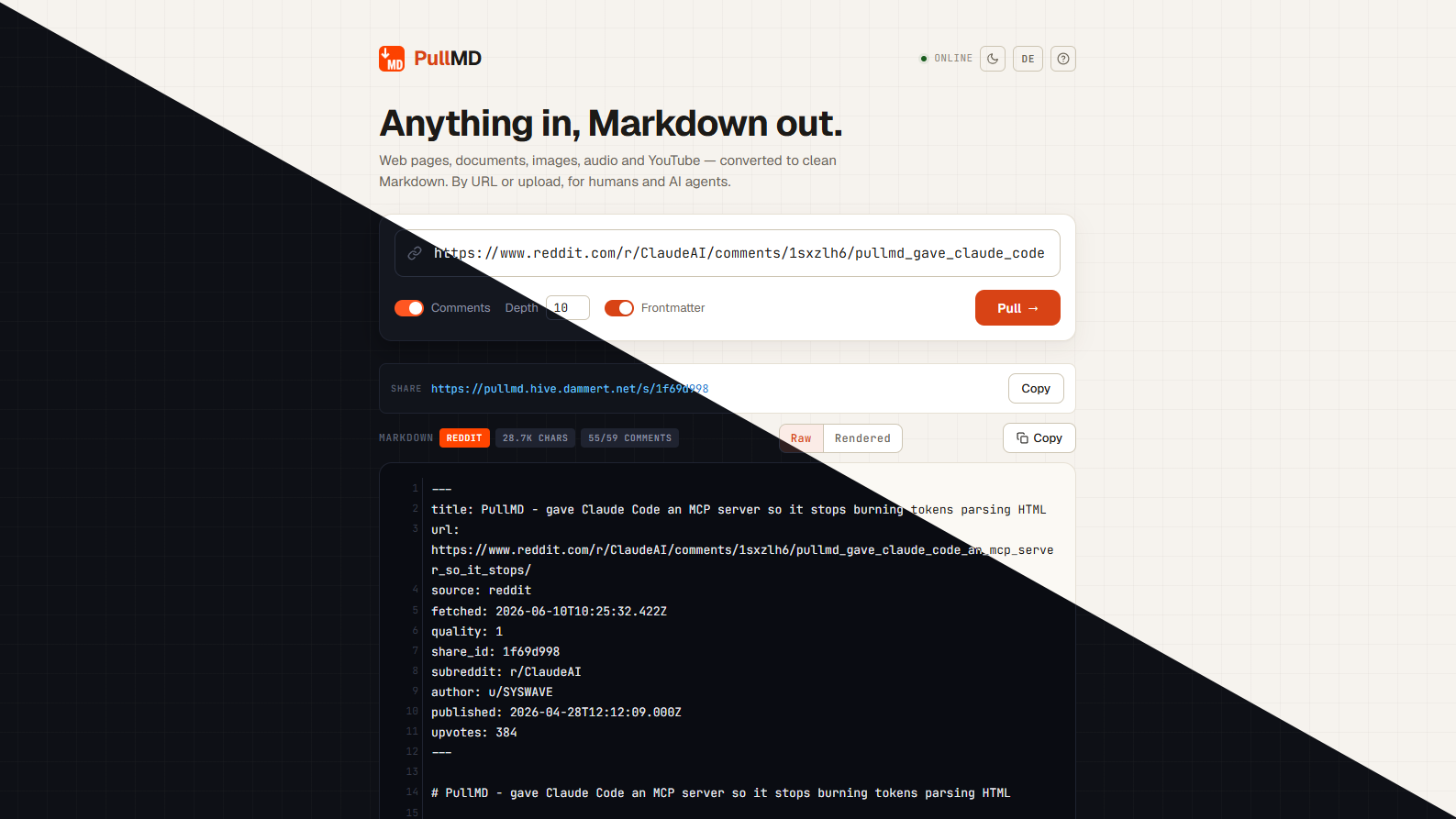
What the browser loads:
<nav class="site-header">…</nav>
<div id="cookie-consent">We use cookies… [Accept all]</div>
<aside class="ads"><ins data-gpt/></aside>
<article>
  <h1>How caching works</h1>
  <p>A cache is a copy that sits closer
     to the consumer than the original.</p>
  <h2>Why it helps</h2>
  <p>Fewer trips, less waiting…</p>
</article>
<script src="tracking.js"></script>
What PullMD returns:
---
title:  How caching works
source: readability  ·  quality: 1
---

# How caching works

A cache is a copy that sits closer to the consumer than the original.

## Why it helps

Fewer trips, less waiting…
PWA
Installable in the browser, offline-capable, with history and archive, light and dark — the interface for humans.
REST API
GET /api?url=… — one line of curl, clean Markdown back. Plus upload endpoints for files and local HTML.
MCP & agents
Stateless MCP server with three tools, OAuth 2.1 for claude.ai, Claude Code skill as a download from your own instance.
The cascade
Reading a page cleanly isn’t a one-method problem. Static pages are easy, JavaScript pages need a real browser, and some pages already serve markdown themselves. PullMD doesn’t try everything at once — it walks the rungs in order and stops at the first one that returns a good result.
- Cloudflare Markdown — straight from the source. Some pages already return markdown on request. Then the work is done before it starts.
- Static extraction — Readability + Trafilatura. Two proven extractors run over the raw HTML. A quality score decides which result wins.
- Real browser — Playwright · Chromium. If that’s not enough, a headless Chromium renders the JavaScript page in full, then extracts again. It’s the heaviest rung, and it only runs when the lighter ones have failed.
The principle transfers. Spinning up a browser for every request would be simple to build and expensive to run. The cascade costs more code and saves on every single call. Almost every good architecture decision looks like this: more effort in one place so everything else gets easier.
What it can do
- Any source. PDF and Office documents, EPUB, images (with a generated description), audio (transcription) and YouTube videos with transcript and clickable timestamps. Reddit threads and Hacker News discussions arrive with their full comment trees. By URL or upload.
- Three ways in. A PWA in the browser, a REST API (
GET /api?url=…) and an MCP server for agents — plus a ready-made Claude Code skill to download. The MCP server advertises its own tools, no prompt instructions needed. - The link that stays alive. Every conversion gets a fixed 8-character address. Call it when the content is older than an hour and PullMD fetches it fresh from the source. A stable URL that always serves current content — handy for feeds.
- Connects to claude.ai. A full OAuth 2.1 flow lets your own instance authenticate as a custom connector directly in the claude.ai web app. No workaround, no hand-rolled bearer token.


Architecture
A compact Express core orchestrates. The compute-heavy parts live in their own containers: a Trafilatura sidecar, a Playwright sidecar with Chromium, a MarkItDown sidecar for documents. Each is optional. Drop one and only its feature disappears — the rest keeps running. The core is built testable through dependency injection — hence the more than 700 tests.
server.js     Express app factory, /api + SSE stream
lib/web.js    cascade orchestrator, pickBest
lib/mcp.js    stateless MCP server, 3 tools
lib/cache.js  SQLite cache, 90-day TTL, share IDs
*-sidecar/    Trafilatura · Playwright · MarkItDown
Ideas worth taking away
Even if you never need PullMD, there’s something here to take — the principles I build software by.
- Complexity is optional. With no configuration, version 3 behaves exactly like version 2: web pages only, clean output. Every extension is opt-in and falls away cleanly when you don’t switch it on. A tool that runs immediately beats one with fifty switches you have to understand first.
- Built for agents, not just humans. The body is pure content; all metadata sits in the YAML frontmatter. That saves tokens, and an agent doesn’t have to parse prose to get at the source.
- Security before the release, not after. Before the v3 release, a dedicated, deliberately hostile security pass ran against the code. It found real problems — among them a YAML injection and a zip-bomb vector — before they affected anyone.
- Self-hosting is the answer to the data question. Image description and audio transcription optionally run against a local model server. Nothing has to touch a cloud.
What this has to do with your company
PullMD is a developer tool. But the decisions behind it are the same ones a mid-sized company faces when it wants to use AI without giving up control of its data: does this run locally? What happens when the cloud service goes down? Who has seen the data?
That’s exactly where I work — the bridge between classic Microsoft infrastructure and AI tools that run GDPR-compliant on your own infrastructure. PullMD shows in miniature what that looks like.
Quickstart
Prebuilt multi-arch images live on Docker Hub. No .env needed — every variable has a sensible default.
mkdir pullmd && cd pullmd
curl -O https://raw.githubusercontent.com/AeternaLabsHQ/pullmd/main/docker-compose.yml
docker compose up -d
# → http://localhost:3000Status
The current version is live: web pages plus documents, images, audio and YouTube, with a PWA, REST API, MCP server and a Claude Code skill. Multi-arch images (linux/amd64 · linux/arm64) are on Docker Hub. The version number shown above is pulled live from the GitHub releases at build time.
How it came to be
PullMD grew out of the need to turn web content into clean, self-hosted markdown for LLM contexts, and has since been developed as an open project across several versions.
The whole development is documented on the blog, in nine parts: from the first frustration with junk context to the v3 rebuild for arbitrary sources.
- PullMD Part 1: Ctrl+A and the Junk Context
- PullMD Part 2: From Spec to Running Container
- PullMD Part 3: Beyond Reddit, Beyond Readability
- PullMD Part 4: From My Tool to an OSS Project
- PullMD Part 5: Reddit Day and First Issues
- PullMD Part 6: The Multi-User Pivot
- PullMD Part 7: Spec-Compliance Isn't Enough
- PullMD Part 8: An Old Rule
- PullMD Part 9: Wiring in Microsoft's MarkItDown — and ripping three parts back out
Frequently asked questions
Which formats does PullMD convert to Markdown?
Web pages, always — including Reddit threads and Hacker News discussions with their full comment trees. With the documents sidecar: PDF, Word, PowerPoint, Excel, EPUB, ZIP, CSV, JSON and XML. Images (generated description), audio (transcription) and YouTube transcripts are opt-in extensions.
Does PullMD run without Docker?
Yes. The core is a plain Node.js application: git clone, npm install, npm start — runs on port 3000. Docker Compose is just the most convenient route because it brings the optional sidecars along.
Does YouTube transcription need an API key?
No. The documents sidecar fetches title, description and transcript without a YouTube API key; timestamps come as clickable links, plain text or not at all. One caveat: YouTube throttles datacenter IPs — there's an optional proxy variable for that.
What happens to my data?
Everything stays on your own machine: conversions land in a local SQLite database and are pruned 90 days after the last access. Uploaded local HTML is never cached. Only if you configure image description or audio transcription against a cloud API does content reach a third party — both can run against a local model server instead.
Can I run PullMD with multiple users?
Yes. Three auth modes: open (default), single admin for the homelab, and multi-user with signup and per-user data isolation. API keys are stored as SHA-256 hashes, passwords with Argon2id, and there's a full OAuth 2.1 flow for claude.ai.
What does the AGPL license mean for me?
Using, self-hosting and modifying it is free. The one obligation: if you run a modified version as a network service, you must make its source available to that service's users. Running an unmodified instance privately or internally adds no obligations.
Self-host it?
Prebuilt multi-arch images live on Docker Hub, no .env needed. Repository and docs on GitHub.
View on GitHub ↗